Try X (Twitter) — Measured header, a bio that actually fits, and threads with hooks now, no sign-up needed

X (Twitter) — Measured header, a bio that actually fits, and threads with hooks · Your header, bio and thread, measured before you publish
For anyone building a personal brand or running a business account on X (formerly Twitter): the 1500×500 header is composed with the safe zone drawn and your profile photo overlaid, the bio is written with the counter that counts the way X counts and the thread arrives numbered and with a hook. The app doesn't go into your account: you copy, paste and upload.
In the features that use AI, responses are generated by artificial intelligence and are not a substitute for professional advice.

Har du svårt att optimera dina processer?
Chat ger dig personlig rådgivning för att göra ditt företag mer effektivt.
See the tools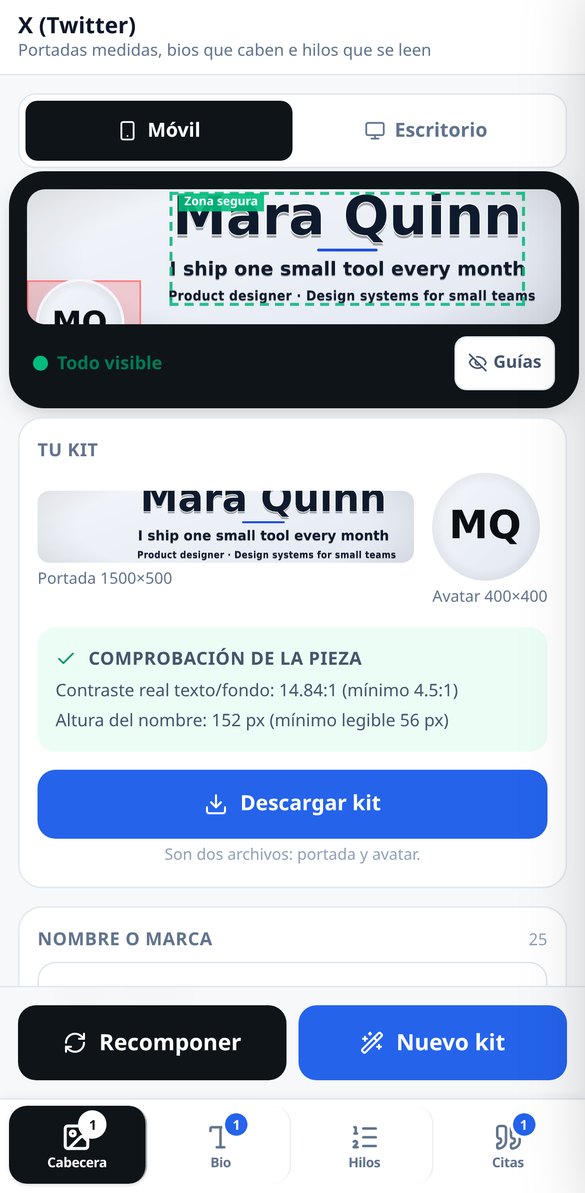
Discover every feature in detail
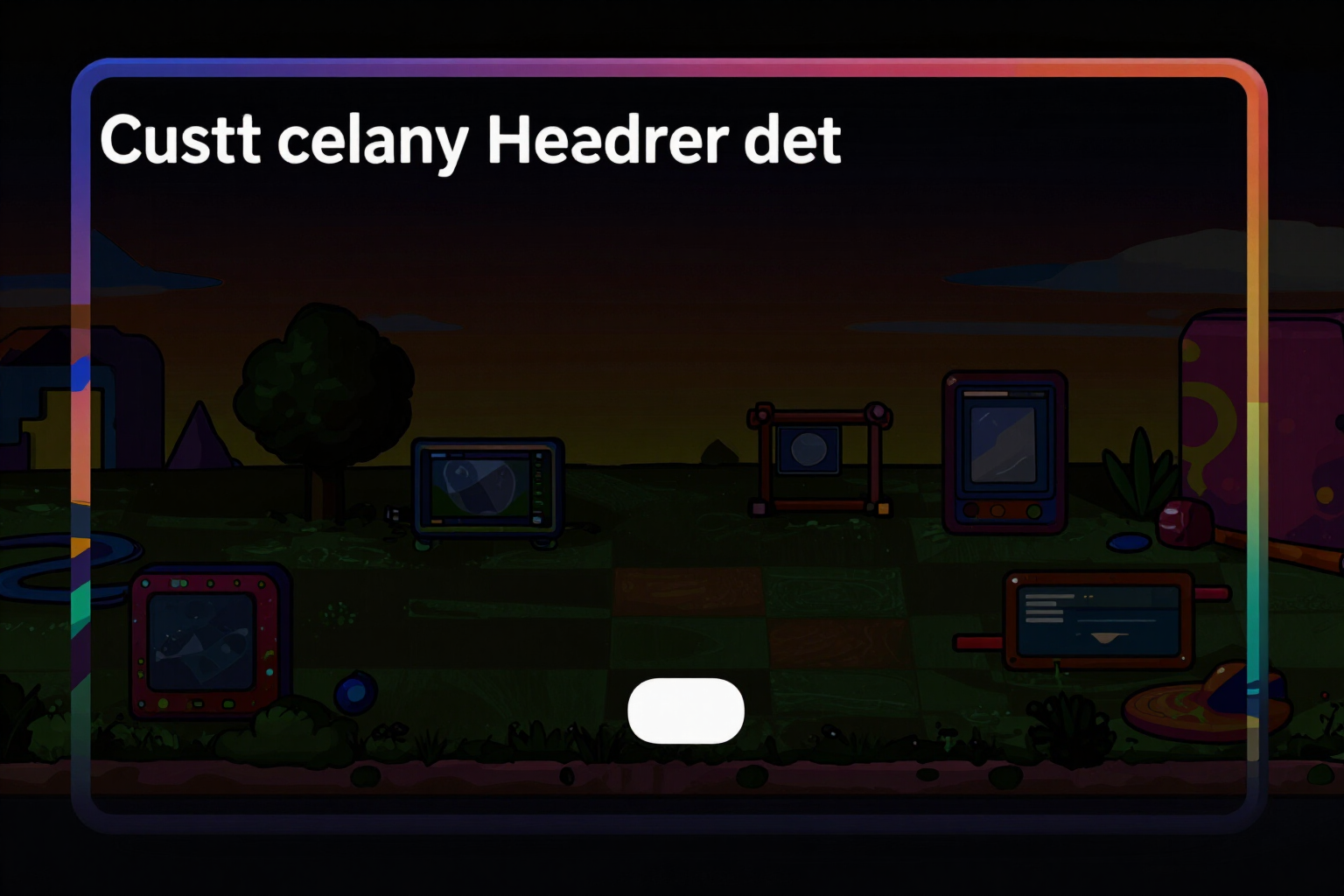
Profile header for X (Twitter) in 1500x500 with exact measurements
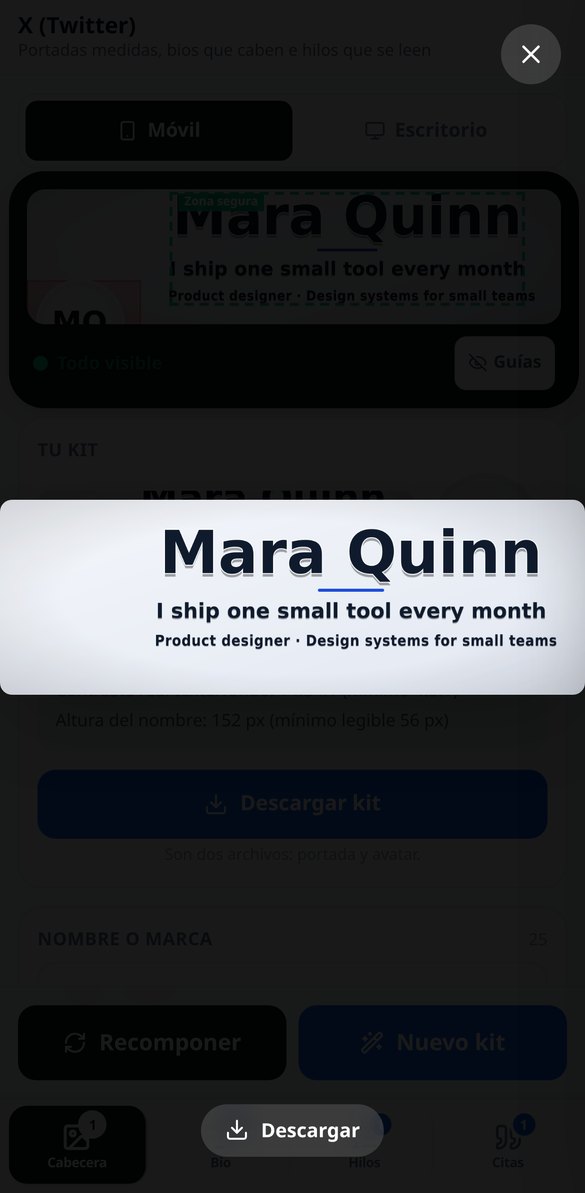
Generate your X profile header in 1500×500: labels within the safe zone, verified contrast, and the measured PNG before downloading. No account connection required.
Try it free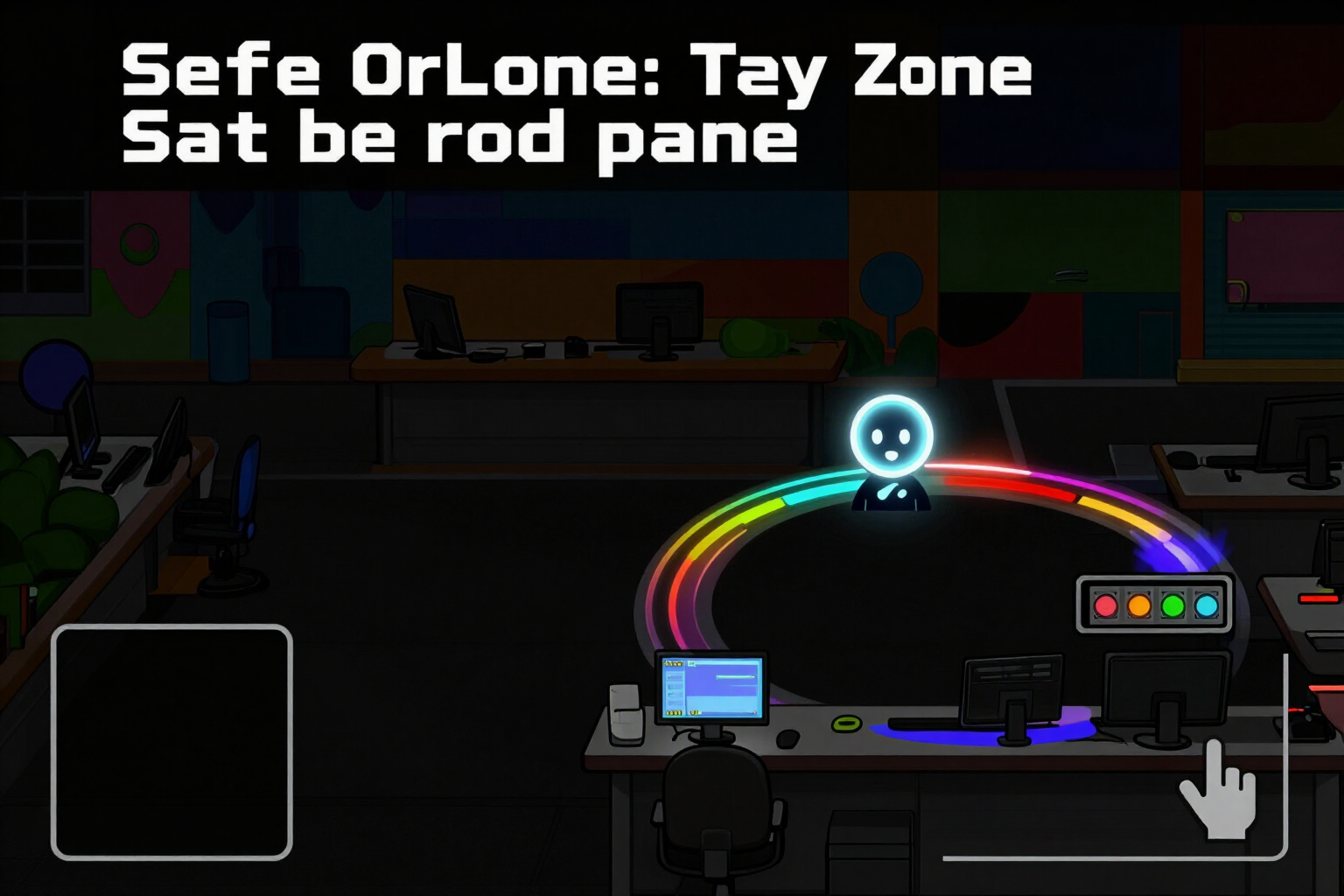
Safe Zone of the Twitter Header: Simulator with Profile Picture and Mobile Crop
Check where your profile picture covers the header of X (Twitter): simulator with the avatar circle, the safe zone of 1500×500, mobile and desktop crop, and a traffic-light indicator with three states. No registration.
Try it free
400x400 Avatar for X (Twitter) matching the cover
Generate the X profile picture in 400×400 in the same operation as the cover: monogram, pictogram, or cropped art, all within the circle and with measured contrast.
Try it free
Font and letter generator for Twitter bio (X): 7 Unicode styles
Convert your X (Twitter) bio into 7 Unicode styles —bold, monospace, italic, small caps, bubble, underlined, and strikethrough— without breaking emojis, links, mentions, or hashtags. Free and no registration.
Try it free
AI Bio Generator for X (Twitter): 3 options in 160 characters
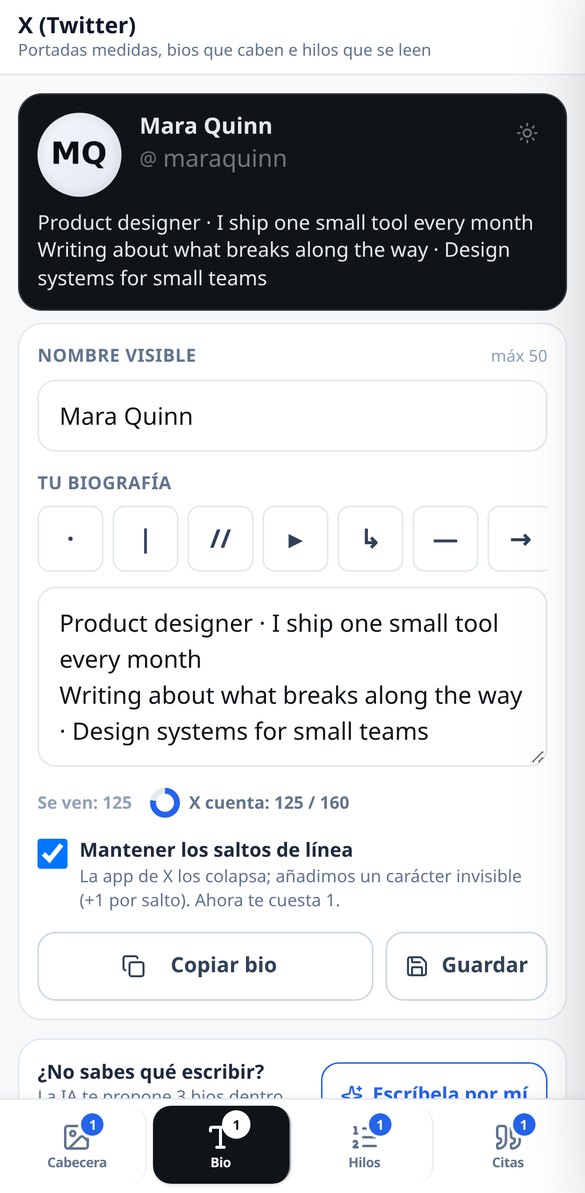
Create your X (formerly Twitter) biography with AI: say what you do, for whom, and what you offer, choose the tone, and receive 3 proposals already tailored to 160 characters, with emojis counting as 2. No account connection required.
Try it free
Thread generator for X (Twitter): hook, numbering, and 280 measured
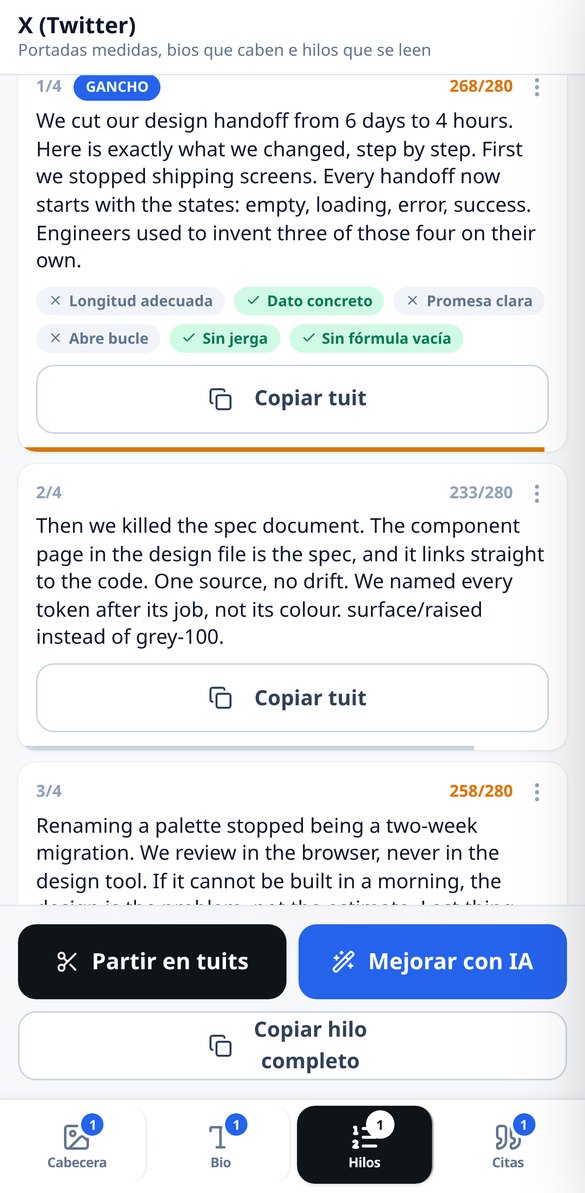
Create X (formerly Twitter) threads with a hook in a single generation: choose tone and length, the numbering counts within 280, and the tweets that exceed are distributed by meaning. No account connection required.
Try it free
Split long text into tweets: thread splitter for X (Twitter)
Paste an article or your notes and the app splits it into 280-character tweets respecting your words: it cuts by sentences, never in the middle of a word or within a link, and numbers counting the numbering. Free, no AI, and no registration.
Try it free
Quote cards for X (Twitter): your sentence/phrase in PNG without watermark
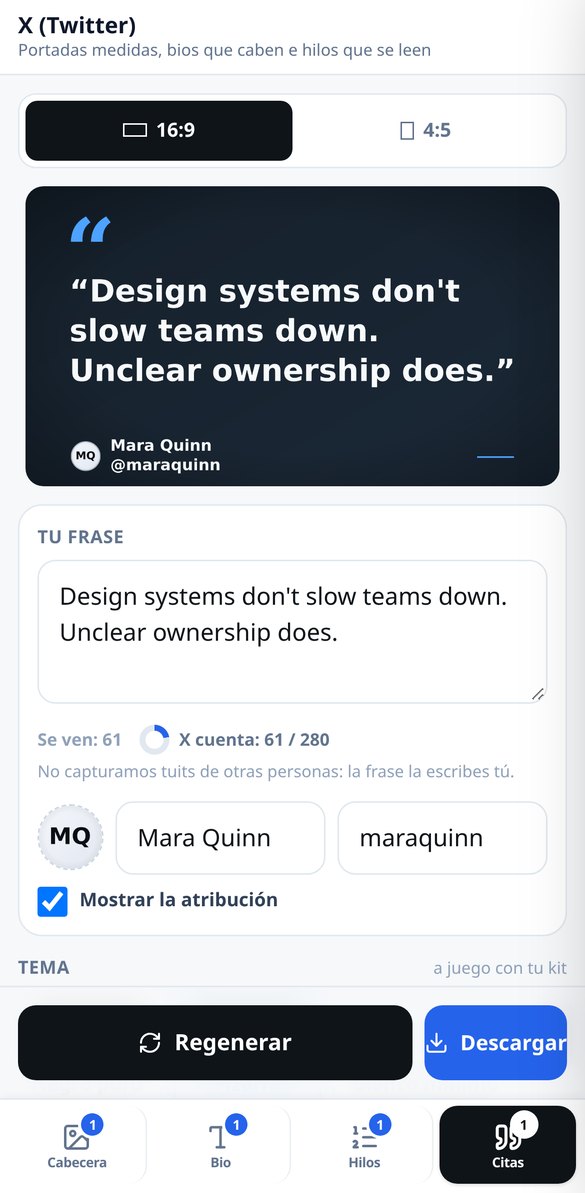
Write your own sentence/phrase and download it as a quote card in 1920×1080 or 1080×1350. Four themes, attribution with your photo and your @handle, no watermark and no registration.
Try it freeFour tools, and the ones people use most don't burn any AI
Upptäck vad Chat kan göra för dig.

Profile kit: 1500×500 header and matching 400×400 avatar
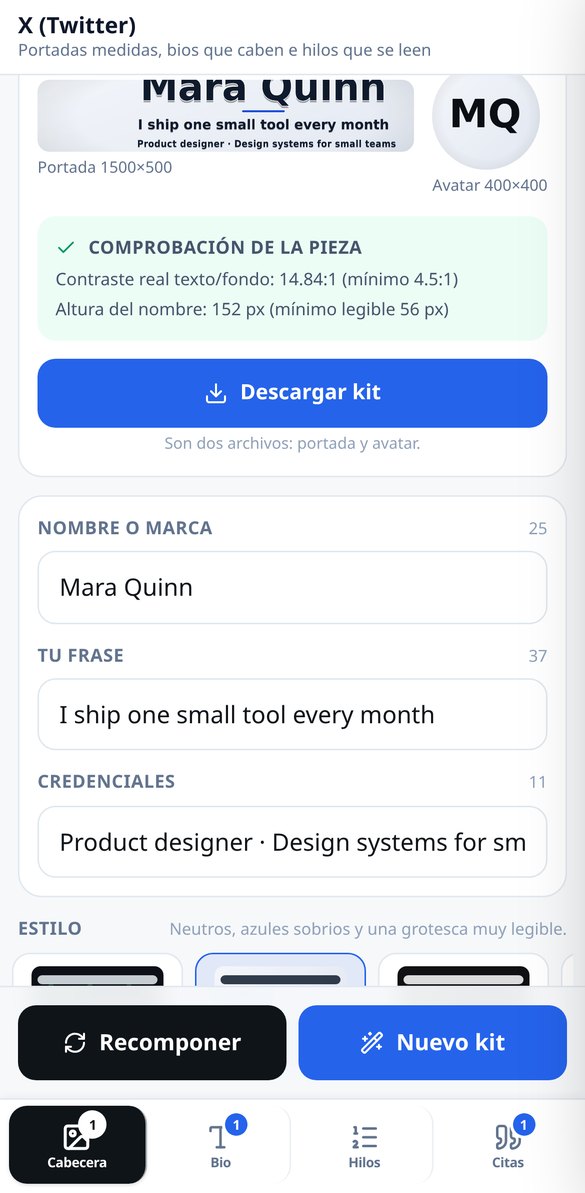
You write the name or brand, the phrase and, if you want, a credentials line, and the app delivers both pieces composed by the server: the 1500×500 header and the 400×400 avatar, with the same palette and the same typeface. There are 4 fixed visual styles, custom accent color and 5 deterministic backgrounds — linear gradient, radial, solid, dots and engineering mesh — that cost nothing; the AI-illustrated background is optional. You don't place the text by hand: you choose from alignments that already respect the safe zone, so it's very hard to get it wrong. The avatar fits the inscribed circle, because X masks it as a circle, and can carry a monogram, a custom pictogram or a crop of the artwork itself. AI art is paid for once: changing the style, accent, label or avatar recomposes on the same background and costs nothing again.
Bio and fonts: two counters and the truth about fancy letters
The bio is written with both numbers in view: the glyphs you see — a family emoji counts 1, not five — and the weight as X counts it, where emojis and CJK characters are worth 2 and, when the text is a tweet, any link counts as a fixed 23 even if it's 120 long. Below, the 7 curated Unicode fonts, each with its own card: what a screen reader hears with that style, on which phones it may look broken and whether X can still find you in its internal search when you use it, because styling your whole bio has a price nobody tells you about. Links, mentions and hashtags are never styled: they'd stop working. And at the top, the profile card simulator in light and dark, with your name, your @handle, the bio and the avatar from the kit, so you can see how it looks before pasting it.
Threads with a hook and quote cards with no watermark
You give the topic, choose one of the 4 tones and one of the 3 lengths (from 3-5 to 8-12 tweets) and the thread arrives complete: hook in the first tweet, one concept per tweet, closing with a call to action, numbering that DOES count within the limit — the classic mistake — and the long-post version derived from the same generation, without paying a second time. The hook is reviewed against 6 checkable criteria ("Concrete data ✓", "Opens a loop ✗", "No empty formula"), never with a made-up score, and courtesy formulas like "Hi everyone" are banned by the system. If you already have the text written, splitting it into tweets is deterministic and free: it doesn't change your words, doesn't cut mid-word and doesn't break a link. And in Quotes, one of your phrases becomes an image in 16:9 (1920×1080) or 4:5 (1080×1350), with 4 sober themes, attribution with your photo or with the avatar from the kit, and high-resolution PNG with no watermark. Each format has its own template and its own file — the 16:9 one holds 4 lines and the 4:5 one up to 7 — so it isn't the same image stretched.
From blank screen to published profile in three steps
Registrera dig på vår plattform
Skapa ditt konto på några minuter och få tillgång till vårt verktyg.
Beskriv din situation
Berätta om din verksamhet och dina nuvarande utmaningar.
Få rådgivning direkt
Få praktiska råd och skräddarsydda lösningar direkt.
Frequently Asked Questions
Latest blog articles
Guides and news to get more out of it

The X algorithm now reads your words, not your letters: what changes in bios, names, and thread hooks in 2026
The X ranking is now a transformer based on Grok: what changes in your name, bio, and the hook of your threads, with data from the code published in 2026.
Carousels on X: dimensions and crops for 20 images per post
X allows 20 images per post since November 12, 2026. Which ratios survive the carousel (4:5 vs 16:9), crops, and which dimensions are unverified.
Set up your X profile with the measurements in view
Börja optimera din verksamhet med Chat.